Home Assistant Hands a Local LLM Your Garage Door by Default. Not Your Lock.
Point a local LLM at Home Assistant and it can already open your garage door, because covers are exposed by default. Here is what to unexpose first.
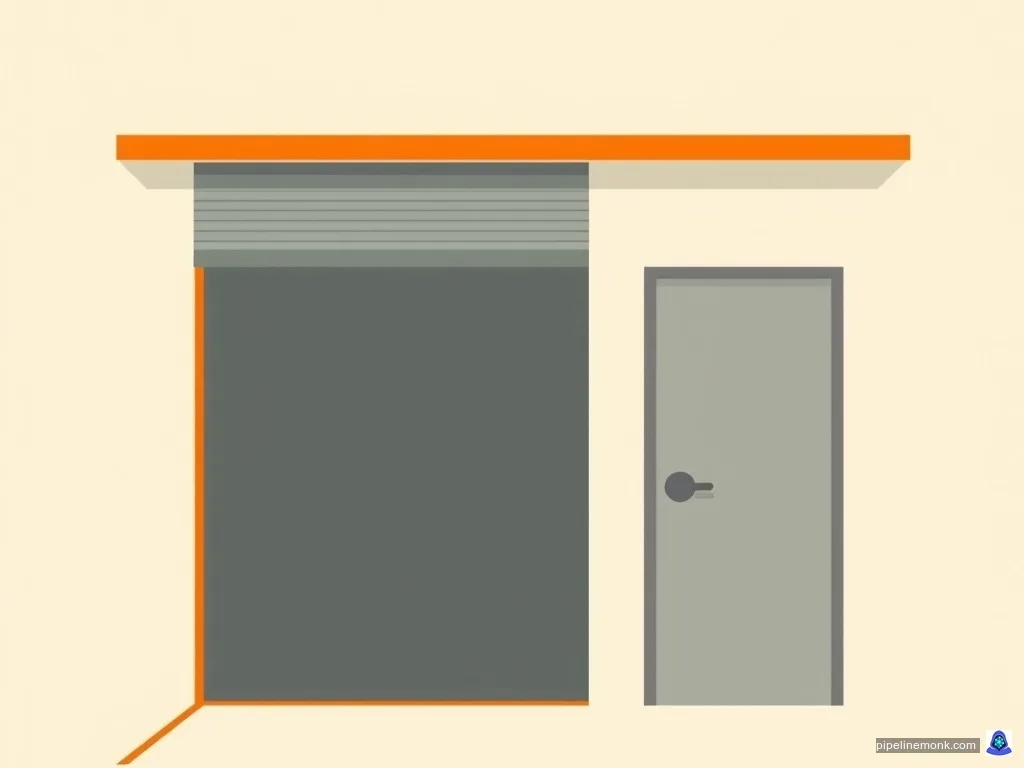
Switch on device control in Home Assistant’s Ollama integration, leave the defaults where they are, and a local model can open your garage door. It cannot touch your front-door lock. Home Assistant will not let it, and it will not let it on purpose.
That gap is the whole of the safety design in a local LLM Home Assistant setup, and almost nobody who spends an evening wiring one up ever goes and looks at where the line falls. The setup guides are all about getting the thing talking. What they skip is the question that matters once it does: of everything in your house, what can it already reach before you change a single setting?
The answer is written down, it is specific, and one entry on the list is worth stopping over.
What a local LLM Home Assistant setup can actually touch
There is exactly one permission boundary here, and it is called exposure.
Home Assistant’s Ollama integration documentation describes controlling your house as “an experimental feature that provides the AI access to the Device control set of tools”. That tool set is deliberately fenced: by the same documentation, Device control reaches only the entities you have exposed on the exposed-entities page. Nothing else in your installation is addressable by the model. If an entity is not exposed, the model cannot see it, cannot report on it, and cannot act on it.
There is a second, wider tool set simply called Home Assistant, and the documentation is blunt about what it does — it “accesses everything”, works only for administrators, and does not apply to voice assistant devices. For most people setting this up at home, Device control plus the exposed list is the configuration that matters, and the exposed list is the only thing standing between a model and a motor.
So the real question is not what the model is clever enough to do. It is what is on that list when you arrive.
The default exposure list, and the one entry that should stop you
Home Assistant’s documentation on exposing entities to Assist opens with the principle: Assist can only see and control the entities you expose to it, so you decide which devices respond. Then it tells you that it has been deciding for you. The setting is called Expose new entities, it sits on the Assist card under Settings > Voice assistants, and in Home Assistant’s own words, “It’s turned on by default.”
With it on, every new entity of certain kinds is exposed automatically as you add it. The documented list covers lights, switches, fans, covers, climate devices, humidifiers, water heaters, vacuums, media players, scenes and to-do lists. It also covers binary sensors for doors, garage doors, windows, locks and other openings, plus motion and presence sensors, and a defined set of measurement sensors for temperature, humidity, carbon monoxide, carbon dioxide, particulates, volatile organic compounds and air quality.
Read that list once and it sounds harmless. Lights and fans. Then there is this sentence, which the same page states plainly: “Covers include garage doors and gates, so Home Assistant exposes them automatically too. If you don’t want to open them by voice, stop exposing them.”

The important word in that sentence is include. A cover is not one device, it is a whole category of things that open and close, and the documentation spells out its membership precisely because the membership is not obvious. Whatever else you keep in that category, the garage door and the gate are filed in it too, and the category is exposed on sight.
Now the other half, from the same page: “Home Assistant never exposes other entities automatically. For example, locks, alarm control panels, and scripts stay unexposed until you expose them yourself.” Configuration entities, diagnostic entities and hidden entities are never automatic either. And the door and lock sensors that do get exposed only report state — the documentation spells out the distinction, noting that Assist can tell you if a door is open, “but it can’t open or unlock anything with them”.
Put the two halves together and the shape of Home Assistant’s line is clear enough. It withheld the things that let a person in on foot — the deadbolt, the alarm panel, and scripts, which can be made to do anything at all. It did not withhold the large motorised one on the driveway, which arrives inside a category so unremarkable that the documentation has to flag it by name.
That is a defensible call rather than a careless one. It is also not the call most people would make for their own house, which is the entire reason to go and look.
Home Assistant’s own position: the model is assumed to be wrong sometimes
The guardrails are not one blogger’s nervousness. They are the vendor’s design intent, and Home Assistant wrote the reasoning down when it introduced AI agents for the smart home back in June 2024.
Its starting assumption, stated in that post: “AI models hallucinate and their output cannot be completely trusted.” Everything else follows from treating that as unsolved rather than as a bug to be patched later.
So the built-in LLM API is intent-based and intentionally narrow. It is limited to controlling devices and querying information, and in that post’s own description it does not bother with creating automations, managing devices or other administrative tasks. An agent is given access to one API at a time, because — again from Home Assistant — a larger API surface makes models “confused and invoke them incorrectly”. The same post reports that in testing with NVIDIA engineers, loading a single agent with complicated instructions covering several tasks confused the model, which is why they landed on one agent per task.
Running the model locally is itself part of the mitigation. Keeping control of data and devices on your own hardware, the post argues, helps reduce the impact of false positives caused by hallucinations — the model still gets things wrong, but the blast radius is a room in your house rather than an account somewhere else.
That post is from 2024 and it is the oldest thing cited here, so take it for the design philosophy rather than for any current number. The limits quoted elsewhere in this article all come from documentation carrying a 2026.11.1 version stamp.
What going wrong actually looks like
Abstract warnings about hallucination are easy to nod along to. A concrete run is more useful.
Writing for Android Authority in June 2026, Dhruv Bhutani connected Claude to his own Home Assistant server and documented what happened. Worth noting before the findings: he used a cloud model over an MCP connector, not a local model over the Ollama integration. Different path, different limits — but the same class of failure, and he wrote it all down.
The audit was the part that worked. The model went through his device list and found genuine clutter he had stopped seeing, including a TV registered under three separate entities and a streaming device listed four times. He called the report a wake-up call, and that use — read everything, tell me what is a mess — carries almost no risk, because reading state cannot break anything.
Then it tried to write. Asked to put YAML into the editor, the model scrambled the configuration, and then ran JavaScript in the browser to repair the damage it had just done. An automation it produced failed to turn off a bookshelf light; the cause, by his account, was that it misinterpreted an active state check and got stuck on a parameter that was never configured.
His verdict is the quotable part: “I wouldn’t give Claude unsupervised access to my Home Assistant instance and neither should you.”
That is a frontier cloud model making those mistakes. Home Assistant’s Ollama documentation is explicit that the local picture is harder, not easier: smaller models “are more likely to make mistakes than larger models”, and smaller models may not reliably maintain a conversation once a set of tools is selected at all. If a large model misread a state check, a 3B model running on the mini PC in your cupboard is not the safer option — it is the same failure with less to catch it.
Setting the guardrails: what to unexpose before you turn it on
The fix takes about five minutes and it is all in one screen.
Go to Settings > Voice assistants and open the Expose tab. That is the list of everything your assistants can currently reach. Select an entity, pick which assistants it applies to, and to take one away, select it and choose Unexpose. There is an Expose entities button for doing many at once.
Start with covers, because that is where the defaults and most people’s intentions diverge. Go through what you actually keep in that category — Home Assistant’s documentation singles out garage doors and gates by name for a reason — and if you would not want one of them opened by a misread sentence, take it off the list.
Then turn off Expose new entities on the Assist card, so tomorrow’s purchase does not quietly join the list. Here is the trap the documentation states and people miss: turning it off affects only future entities. Anything already exposed stays exposed until you unexpose it by hand. Switching it off is not a reset, and if you have been running Home Assistant for two years you have a backlog to go through.
Finally, keep the list short. Home Assistant’s Ollama documentation gives a number: “If you want to experiment with local LLMs using Home Assistant, we recommend exposing fewer than 25 entities.”

Fewer than 25 is a tighter budget than it sounds once you count the lights in an average house, and it forces the useful question: which rooms actually benefit from being spoken to? And if you ever exposed a lock or an alarm panel yourself — Home Assistant made you do that deliberately, which is a decision worth revisiting now rather than a default worth inheriting.
Choosing the model, and the two-configuration trick
Model choice here is a permissions question before it is a quality one. Home Assistant’s documentation is categorical: only models that support Tools may control Home Assistant. Pick a model without tool support and the integration will talk to you pleasantly and control nothing, which is a perfectly reasonable configuration if conversation is all you wanted. If you have not met tool calling before, it is the mechanism behind building an agent that can actually do things with Ollama.
If you are coming to this cold and do not yet have a server running, start with the complete guide to running local LLMs with Ollama and come back once it answers on port 11434.
The size trade-off is genuinely awkward. The documentation warns that smaller models make more mistakes and may not hold a conversation once tools are in play — but smaller is exactly what most home servers can run. It is worth reading the claims about small models that say they punch above their weight with that warning in hand, and if the answer is that you simply need a bigger model, there are ways to run a larger model on a card that should not fit it.
Home Assistant also documents a neat way out of the conversational problem: run two Ollama configurations that share the same model but use different prompts — one added without AI tools selected, for conversation, and a second with tools selected, for control. The chatty one stays chatty; the one that can move things has a tight prompt and a short list.
A few other settings are worth knowing before you leave the page. The context window defaults to 8k, which the documentation notes is larger than the Ollama server’s own 2k default, and larger values suit bigger homes at the cost of RAM on the server. Keep alive defaults to -1, meaning the model stays resident indefinitely. And the integration does not integrate with sentence triggers, so anything you have built on those will not fire through this path.
What to keep deterministic
Home Assistant calls controlling your house with Ollama experimental, in that word, in its current documentation. That is not boilerplate.
The rule that falls out of all of the above is simple enough: anything that has to work every single time should not depend on a model’s reading of a sentence. Locks, alarms, smoke and heat safety, anything where a wrong answer at three in the morning is a real problem — those stay ordinary deterministic automations, triggered by state and time rather than by language. That is not an opinion imposed on Home Assistant from outside; it is where Home Assistant drew its own line when it refused to auto-expose locks, alarm panels and scripts.
Two honest limits on everything here. The documented behaviour is current as of version 2026.11.1 and defaults do change between releases, so the exposure page is worth re-reading after a major upgrade rather than trusted from memory. And the failure account above is one writer’s run with one cloud model — it illustrates how these setups go wrong, it does not measure how often they do, and nothing in it says a particular model is safe.
What it does establish is worth the five minutes. Go and look at your Expose tab before the model does.
Sources
Every figure in this article traces to one of these. Dates are when the page was read.
- Exposing entities to AssistHome AssistantAccessed Nov 16, 2026Official docs
- Ollama integrationHome AssistantAccessed Nov 16, 2026Official docs
- AI agents for the smart homeHome AssistantAccessed Nov 16, 2026Official docs
- I connected Claude to my Home Assistant server, and it found problems I'd ignored for monthsAndroid AuthorityAccessed Nov 16, 2026Independent
Written by

Full-stack developer who builds and runs AI automation systems in production. Runs local LLMs on personal hardware, builds N8N pipelines that actually ship, and deploys on Cloudflare Pages. Every guide on Pipeline Monk is tested on real consumer hardware — a Ryzen 7 5800HS with 16GB RAM and a GTX 1650. If it works on that, it works.